How to Clean Up Digital Clutter and Transform Your Online Life
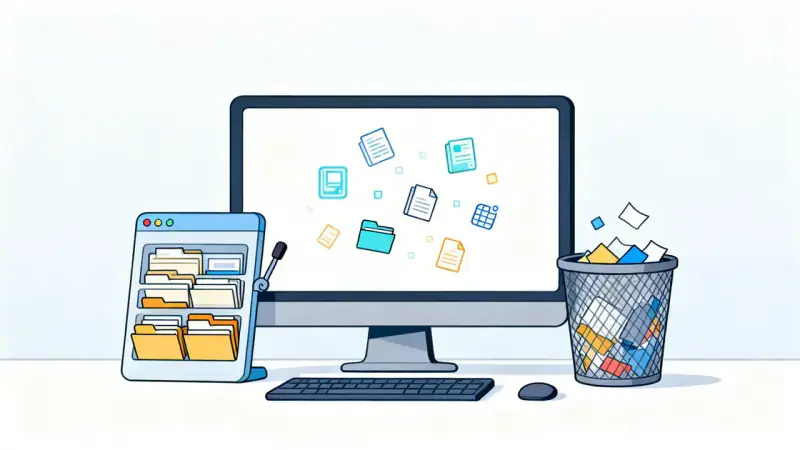
Imagine stepping into a room so filled with old letters, random trinkets, and boxes stacked high that you can barely move. Now, picture that same sense of overwhelm quietly invading your phone, laptop, and email—digital clutter can creep into our lives just as insidiously as physical mess. Yet, because it often hides behind screens, we accept it as the norm.
The truth is, a cluttered digital environment can undermine your productivity, mental clarity, and even your sense of daily peace. But the solution isn’t merely about hitting “delete.” It’s about reshaping your relationship with technology, taking meaningful steps, and committing to a cleaner, calmer digital existence.
The Hidden Costs of Digital Clutter
Why does digital clutter matter more than we often realize? Studies show that visual and cognitive distractions accumulate with every unused app, overflowing inbox, and messy desktop. This unorganized sprawl leads to stress, frustration, and a persistent sense that you’re always behind.
When your phone pings with unnecessary notifications, or you can’t find a file needed for work, productivity plummets and stress multiplies. Over time, digital overload chips away at your focus and creativity. You deserve a digital space that empowers, not drains, you.
Preparing for a Digital Declutter Journey
Before you dive in, set the stage for clearing your digital space effectively. Find a block of uninterrupted time—perhaps a quiet weekend morning or an evening set aside for this purpose. Grab a notepad, make some tea, and resolve to approach this process not as a one-off chore, but an act of self-care.
Ask yourself: What’s causing your digital mess? Too many downloaded files? Inactive social accounts? Notifications at all hours? Assess your habits with honesty, and set your intention for creating digital calm.
Start with File and Folder Organization
Think of your device as a filing cabinet. Begin by going through your documents, photos, and downloads. Create a simple, logical folder structure—maybe “Work,” “Personal,” and “Memories.”
Move files into their rightful homes. What doesn’t have a home? Decide if you truly need it. If not, hit delete or, for peace of mind, transfer to an external drive.
- Name folders clearly and consistently for easy organization.
- Archive or delete duplicate photos and blurry shots.
- Clear out downloads—these often become a forgotten dumping ground.
- Schedule a monthly reminder to tidy up files moving forward.
After cleaning, your digital landscape transforms into a digital space of clarity and purpose.
Sorting Out Your Inbox: From Chaos to Clarity
Inbox zero is possible, even if you’re starting with thousands of unread emails. First, use search and bulk-select features to archive or delete old newsletters and irrelevant notifications.
Unsubscribe from mailing lists no longer serving you. If your inbox is overwhelming, create folders for active projects, personal contacts, and receipts.
Consider this table to help prioritize emails going forward:
| Urgent & Important | Important, Not Urgent | Not Important, Not Urgent |
|---|---|---|
| Reply within 24 hours | Schedule for later | Delete or archive instantly |
Once you clean your inbox, maintaining it becomes easier. Set aside five minutes daily for quick cleanups—respond, file, or delete instantly.
Streamlining Your Devices for Maximum Productivity
Take an honest look at your phone and computer desktops. Notice which apps or shortcuts you actually use regularly.
Delete or uninstall any that haven’t been used in the past three months. Group essential apps into labeled folders—for example, group social media, work tools, and entertainment separately.
- Limit your desktop to only essentials to reduce visual distractions.
- Turn off unnecessary notifications—reserve alerts for only messages or calls that truly matter.
- Update your software; out-of-date programs can slow devices and pose security risks.
A streamlined device not only runs faster but gives your mind a much-needed sense of ease.
Declutter Your Digital Social Spaces
Social networks can both connect and overwhelm us. Take a moment to assess your social media accounts and groups. Identify which platforms genuinely bring value or inspiration.
Unfollow accounts that trigger negative emotions or add noise to your feed. Leave old groups or chats whose purpose has faded.
Remember, curation is self-care in digital life. Invest your valuable attention in communities and content that uplift or empower you.
Sustaining Cleanliness: Digital Maintenance Habits for Life
The most profound transformations happen when we build sustainable routines. Schedule regular digital check-ins—choose to tidy up once a week or at the end of every month.
Back up essential files to the cloud or an external drive quarterly. Review privacy settings on your accounts to safeguard your data and your sanity.
- Turn off auto-save features that contribute to file build-up.
- Review and renew passwords periodically for security.
- Reflect regularly on your digital usage habits and adjust when needed.
You’ll notice more time, less stress, and improved focus as you cherish the breathing room your digital cleanliness creates.
Embracing a Refreshed Digital Life
What begins as a tidy-up task can quickly become a life-changing mindset. With order restored to your digital world, you aren’t just freeing up memory—you’re making room for new ideas, building mental clarity, and protecting your peace of mind.
As you let go of digital clutter, you reclaim your attention for what matters: relationships, creativity, deep work, and joy. Every digital decision is a step closer to the life you want to lead, one organized file (and deleted duplicate) at a time.
Your devices—once sources of stress—now become tools that serve your highest goals. The path of digital minimalism isn’t about perfection. Instead, it’s about progress and intention. Welcome to a lighter, brighter digital life.