How to Organize Files on Your Computer: Quick Organization Tips
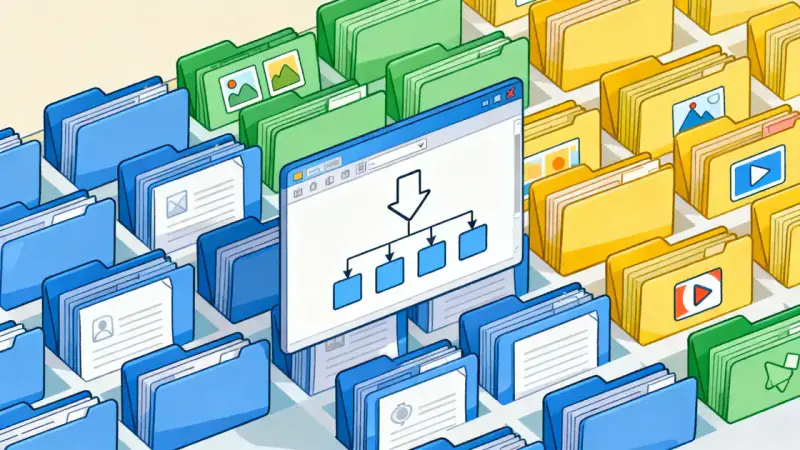
Have you ever found yourself searching endlessly for a document you know you saved somewhere, feeling the frustration rise as minutes tick by? You’re not alone. In our increasingly digitized lives, computer clutter can quietly erode our time, peace, and productivity.
More than just an inconvenience, digital disorganization can become a daily source of stress. But what if you could reclaim your virtual space, making it as inviting as a tidy, sunlit corner of your home? This guide will show you the steps to organize files intentionally, empowering you to move through your digital tasks with calm, clarity, and purpose.
The Real Impact of Digital Clutter
It’s easy to underestimate the weight of digital clutter. When our desktops are littered with icons, and files are sprawled across random folders, it leaves us feeling disoriented. This is more than a minor annoyance—our brains crave order and clarity.
Disorganized files slow us down and sap our mental energy. Every unproductive second spent searching breaks our focus, stealing the joy from our work and personal projects alike. Clearly, successful digital organization isn’t just about tidiness; it’s about regaining control, maximizing efficiency, and reclaiming creative freedom.
Preparing for a Digital Reset
Before diving headfirst into the organization process, take a moment to reflect on your goals. What do you want your computer to help you accomplish? Whether your work is creative or analytical—or a blend of both—a tailored system gives every file a meaningful place.
Start by envisioning your ideal digital workspace. Imagine opening your laptop and seeing a desktop as clean and uncluttered as a blank canvas. The act of letting go of excess files will mirror a mental clearing, creating room for focus and inspiration.
Building a Simple and Effective Folder Structure
A strong folder system is the backbone of any organized computer. There’s no universal right or wrong way to organize, but some structures have stood the test of time.
Consider starting with broad categories that reflect the major areas of your life or work. Under each, create helpful subfolders to further sort information. A general top-level folder structure could look like this:
- Work
- Personal
- Finances
- Photos & Media
- Projects
- Archives
Within—and only within—these categories, add more specific folders. For example, under “Work”, you might have “Meetings”, “Reports”, and “Clients”. The goal is to limit folder depth to two or three levels whenever possible, avoiding a labyrinth that’s hard to navigate.
If your needs are more specialized—perhaps you juggle freelance gigs or creative pursuits—consider organizing by year, client, or project. The key is consistency and logic that reflects the way you naturally think and work.
Establishing Reliable File-Naming Conventions
Folders alone won’t save you if your files are named “Document(34)_finalfinal.pdf” or “Presentation-johnny’s-version.pptx.” Naming is everything in digital organization. Clear names transform a sea of documents into an accessible library.
To make names instantly understandable, adopt a standard format and use it for all new files. Here are effective elements to include:
- Date in YYYY-MM-DD format for sorting by time
- Project or client name
- Descriptive keywords (e.g., type of document, version, topic)
- Version number if relevant
For example: “2024-06-01_ClientABC_Invoice_v3.xlsx” or “2024-05-15_Travel_ItalyPhotos.zip.”
The intention here is that even if files are moved or nested deeply, their name alone tells the story of their content and relevance.
Practical Strategies for Staying Organized
Organization isn’t a one-time event—it’s a habit. Once your system is in place, it takes only a few minutes daily or weekly to keep things under control.
Here are some practical habits that support digital order:
- Dedicate five minutes at the end of each day to sort new files into their appropriate folders.
- Once a week, revisit your downloads and desktop to either file or delete temporary items.
- Set a monthly reminder for a quick “digital declutter” and deep clean.
- Resist the urge to save everything; regularly purge what you no longer need.
Remember, regular maintenance ensures lasting organization and prevents another buildup of chaos.
Leveraging Tools for a Smoother Process
Today’s technology offers many tools to keep your files in order. Consider using built-in features like tags and color labels to add context to individual files or to flag items for review.
For those who love automation, specialized software can scan for duplicates, sort files, or even back up important folders automatically. Cloud storage solutions enable access from multiple devices, letting you stay organized on the move.
Choose tools that simplify your workflow and feel intuitive—your system should always serve you, not the other way around.
The Transformative Benefits of Digital Organization
When your files are where they belong and every document has a purpose, you’ll feel a shift. You might notice greater confidence in your daily routines, faster retrieval times, and a sense of mental spaciousness.
An organized digital environment allows you to focus your attention where it matters most—on your work, your ideas, and the people you care about. Suddenly, the computer becomes a partner in productivity, not a source of stress.
Make Your Digital Space a Reflection of You
Ultimately, organizing your computer isn’t just about files and folders—it’s a form of self-respect. You’re creating an environment that supports and honors your goals, time, and creativity.
Start small, celebrate your progress, and make the process your own. With each file you sort, you are taking a concrete step toward clarity. Over time, these habits will change how you work, create, and live in the digital world.
Embrace this invitation to transform digital chaos into calm—and discover the peace and power that organized files can bring into every corner of your life.