Simple Cybersecurity Tips for Everyday Users That Actually Work
We live in a world where our daily lives are seamlessly woven with technology—instant communication, online banking, digital entertainment, and information at our fingertips. Yet, each of these conveniences brings hidden risks. Cyberattacks no longer only threaten governments and corporations. The average person, whether an office worker, student, retiree, or busy parent, is just as likely to become a target.
Despite the constant news about massive data breaches and sophisticated hacking, most cybercriminals succeed because of basic human errors or overlooked security practices. The modern hacker often succeeds not by brute force, but by exploiting simple, preventable vulnerabilities in everyday habits. That’s why cybersecurity is no longer a technology problem—it’s a people problem.
If you think cybersecurity is too complex or requires advanced skills, think again. Small, conscious changes in how you use your devices and online accounts can make a profound difference. Let’s delve into two simple yet transformative tips that can empower anyone to defend their digital lives—no technical expertise required.
Understanding the Everyday Threats
Before diving into practical action, it’s important to grasp what everyday users are up against. The threats you may encounter are not just shadowy hackers behind sophisticated tools. They’re also:
- Phishing emails that mimic banks or popular websites
- Fake Wi-Fi networks lurking at your favorite café
- Social media scams targeting unsuspecting individuals
- Malware hidden in innocent-looking downloads
- Data leaks from insecure apps or weak passwords
Your digital routine is a doorway to personal information. Even the smallest lapse—using the same password for multiple accounts or clicking a suspicious link—can let trouble in. But two easy habits can shield you from the vast majority of these risks.
Tip 1: Fortify Your Passwords
It’s tempting to use “password123” or your dog’s name because it’s easy to remember. Unfortunately, hackers know this too. Password guessing is still one of the leading attack methods. Using weak, reused, or predictable passwords is like locking your door but leaving the key on the doorstep.
Here’s the truth: A strong password doesn’t have to be confusing or impossible to memorize. Think of these essential strategies:
- Create long passphrases that combine random words, numbers, and symbols. For example: “Sunflower!River47Dance.”
- Use different passwords for each account. If a hacker cracks one, others remain safe.
- Consider a reputable password manager to securely store your passwords and generate new ones. These tools remember your passwords so you don’t have to.
Breaking the habit of reusing passwords is genuinely powerful. It means that even if one service is breached, your remaining accounts are far less vulnerable. And, using a password manager may feel odd at first, but soon it becomes as routine as checking your email in the morning.
Think about everything you do online, from entertainment to shopping. A secure password is the simplest and most fundamental line of defense, no matter your tech background.
Tip 2: Embrace Two-Factor Authentication
Imagine you lose your house key but your front door also needs a fingerprint to open. Two-factor authentication (2FA) gives your online accounts this very kind of double-lock.
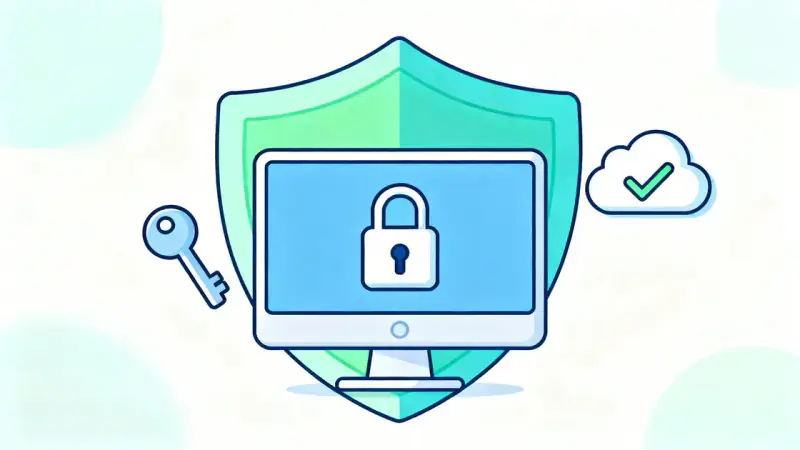
When you enable 2FA, signing in requires not just your password but a second factor. This might be a unique code sent to your phone, a biometric scan, or a prompt from an app. So, even if someone steals your password, they can’t get in without that extra proof.
Setting up 2FA is straightforward, and most major services—email, social media, banks—include it as an option. Here’s how to make it work for you:
- Go to your account security settings and find the 2FA option.
- Choose a method you’re comfortable with: text message, app, or biometric.
- Follow the prompts to activate it—and remember to update if you change your phone number.
2FA dramatically reduces your risk, especially for accounts tied to sensitive information. The beauty of this extra step is that hackers, who are often in another country or relying on large-scale attacks, are effectively stopped cold by this simple barrier.
Small Habits, Massive Impact
Adopting strong passwords and Two-Factor Authentication isn’t just about ticking security boxes. It’s about reclaiming your sense of safety and control in a digital world that often feels overwhelming.
Consider how these habits fit into your daily life:
| Task | Old Habit | Secure Habit |
|---|---|---|
| Creating an account | Using the same password everywhere | Generating a unique passphrase |
| Logging into email | Password only | Password plus 2FA code |
| Storing passwords | Writing them in a notebook | Using a password manager |
These changes require only a few extra seconds or minutes, but spare you hours or days of anxiety, financial loss, and potential identity theft later on.
Sharing the Knowledge—Empowering Others
The best part about cybersecurity is that it can be contagious. As you develop these habits, talk to your friends, your family, and even your children. Explain why you’ve started caring more about password security or why 2FA is part of your regular routine.
By turning cybersecurity from a personal shield into a community practice, you reduce everyone’s risk. Imagine a world where more people choose proactive protection over passive risk and technology becomes safer for all of us—one home, office, and social circle at a time.
The Journey Begins With a Click
Cybersecurity does not need to be complicated. Each day, you hold the power to change your digital destiny through thoughtful, everyday choices. Don’t wait for a scare or a headline to motivate you.
Start today: strengthen your passwords, enable Two-Factor Authentication, and be the person who inspires others to do the same. In a world where your digital footprint matters more than ever, these simple tips are not just good advice—they are acts of protection, empowerment, and hope.
Every major journey starts with a single step. In cybersecurity, it starts with a click.